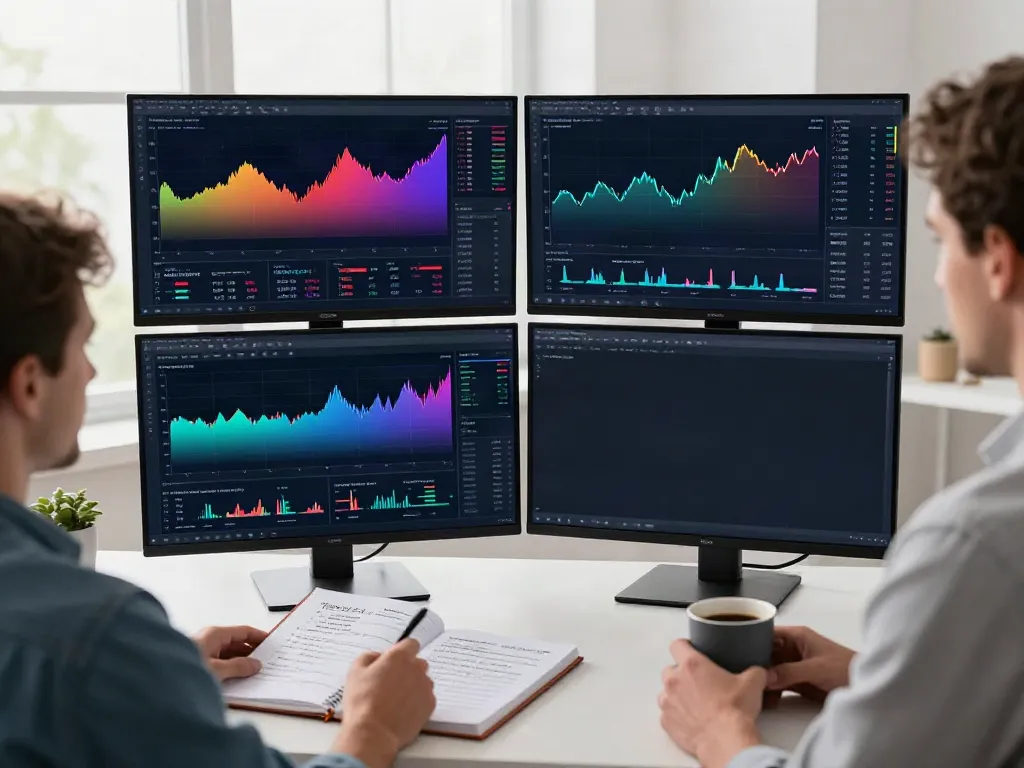
Understanding TradingView: A Comprehensive Overview
In the fast-paced world of trading, possessing the right tools can significantly impact a trader's success. TradingView has emerged as a leading platform that integrates comprehensive charting capabilities, real-time market data, and advanced analysis tools. This article will provide an in-depth overview of TradingView, exploring its features, benefits, and the effective strategies traders can use to optimize their trading experience.
What is TradingView and How Does It Work?
TradingView is a cloud-based platform where traders and investors can access advanced charting tools, social networking features, and market analytics. The platform supports various asset classes, including stocks, forex, cryptocurrencies, and derivatives. Users can create personalized charts, utilize a wide range of technical indicators, and share their trading ideas with a global community of traders.
This platform operates seamlessly across devices, allowing users to analyze market movements no matter where they are. By offering an intuitive interface combined with powerful functionality, TradingView effectively caters to both novice traders and seasoned professionals.
Benefits of Using TradingView for Traders
TradingView provides substantial benefits that can enhance the trading experience:
- Comprehensive Tools: From advanced charting capabilities to custom indicators, traders have all the tools they need in one place.
- Community Insights: The social aspect allows users to share insights, strategies, and analyses, facilitating collaborative learning.
- Flexibility: With support for multiple asset classes, traders can diversify their portfolios without switching between different platforms.
- Real-Time Data: Access to real-time data ensures traders can make informed decisions swiftly.
Key Features and Tools of TradingView
Some notable features and tools offered by TradingView include:
- Multi-Layout Supercharts: Users can create various chart layouts to analyze multiple assets simultaneously.
- Stock and Crypto Screeners: These tools allow traders to filter assets based on specific criteria, making research more efficient.
- Alerts and Notifications: Set custom alerts for price movements or technical indicators to stay ahead of the market.
- Strategy Tester: Backtesting built trading strategies against historical data helps traders to evaluate their potential before implementing them in real-time.
Setting Up Your TradingView Account
Creating Your TradingView Profile and Preferences
Getting started with TradingView involves creating an account. The registration process is straightforward, requiring minimal information to set up your profile. Once registered, users can customize their preferences according to their trading styles. Setting up your profile helps to personalize the platform, making it easier to navigate and utilize effectively.
Customizing Your Trading Dashboard for Optimal Use
Your TradingView dashboard is the central hub for all your trading activities. Customizing this dashboard to suit your needs can enhance usability. You can arrange charts, add widgets for key market data, and create shortcuts to your preferred tools. Leveraging these customization options allows traders to streamline their processes, making their trading more efficient.
Integrating TradingView with Other Trading Tools
For enhanced functionality, TradingView can be integrated with various trading applications and brokers. This integration allows traders to execute trades directly from the TradingView platform, streamlining the trading process. Integrating additional tools can provide a more comprehensive trading environment, enabling traders to analyze and execute their strategies without leaving the platform.
Mastering Chart Analysis on TradingView
Using Indicators and Drawing Tools Effectively
Effective chart analysis is essential for successful trading, and TradingView offers a robust set of indicators and drawing tools. Traders can overlay multiple indicators, such as moving averages, Bollinger Bands, and RSI, to gain insights into price movements. Utilizing the drawing tools to mark trend lines or highlight support and resistance levels adds a visual representation of the analysis and enhances decision-making.
Creating Custom Scripts with Pine Script
Pine Script is TradingView's built-in programming language that allows users to create custom indicators and strategies. By writing scripts, traders can automate analyses and backtest their strategies efficiently. This feature empowers traders to develop unique trading methods tailored specifically to their strategies, offering an edge in market analysis.
Understanding Chart Patterns for Better Trading
Chart patterns play a significant role in technical analysis. TradingView provides resources and tools to identify these patterns effectively. Recognizing patterns such as head and shoulders, double tops, or flags can provide traders with forecasting insights and potential trade setups. The integration of community discussions also aids in learning and identifying these patterns.
Alerts and Notifications: Staying Ahead in Trading
Setting Up Alerts for Price Movements
TradingView's alert system enables traders to set notifications based on specific price levels or conditions. By configuring alerts, you can monitor the market without constantly watching the charts, allowing you to focus on other activities while staying informed. Alerts can be sent via email or push notifications, ensuring that you never miss a trading opportunity.
Using Economic Calendars and News Features
Staying updated with economic news and events is crucial for traders. TradingView offers built-in economic calendars and news feeds that display relevant information impacting the markets. Utilizing these features allows traders to anticipate market movements resulting from economic data releases, corporate earnings, and geopolitical events.
Integrating Alerts with Mobile Applications
For traders on the go, TradingView's mobile application allows users to receive alerts and notifications in real-time. This mobility ensures that you can react promptly to market changes, regardless of your location. The seamless synchronization between the mobile app and desktop platform enhances the overall trading experience.
Optimizing Your Trading Strategy with TradingView
Backtesting Strategies Using the Strategy Tester
The Strategy Tester tool in TradingView enables traders to backtest their trading strategies against historical data. By evaluating past performance, traders can refine their methods and develop a better understanding of potential outcomes. This iterative process of testing and optimizing strategies is essential for long-term success in trading.
Real-World Examples: Successful Trading Strategies
Numerous traders have found success using TradingView tools to enhance their trading strategies. For instance, a trader might utilize the combination of moving average crossovers and RSI to identify entry and exit points. By backtesting this strategy using the Strategy Tester, the trader can evaluate its effectiveness over different market conditions, adjusting parameters as necessary for ongoing refinement.
Future Trends in Trading Technology for 2026
As we move towards 2026, trading technology is expected to evolve significantly. Enhancements in AI-driven analytics, machine learning applications in trading strategies, and improved integration with social trading networks are anticipated trends. TradingView, with its commitment to constant innovation, is poised to lead the charge in this evolving landscape.
What are the costs associated with TradingView?
TradingView offers different subscription plans, including a free version with limited features and paid plans that unlock additional functionalities. Traders should evaluate their requirements to choose the appropriate plan, weighing the cost against the features available.
Is TradingView suitable for beginners?
Yes, TradingView is suitable for traders of all experience levels. The user-friendly interface, coupled with extensive educational resources and community insights, makes it accessible for beginners while providing advanced tools for experienced traders.
Can you trade directly from TradingView?
In select regions, TradingView allows users to connect with brokerage accounts and execute trades directly from the platform. This feature enhances trading efficiency by enabling users to analyze charts and place trades in a single environment.
How do you customize chart settings on TradingView?
Customizing chart settings on TradingView is simple and intuitive. Traders can modify chart types, time frames, and indicators according to their preferences. Furthermore, saved layouts ensure that favorite setups can be quickly accessed for future analysis.
What are the best indicators to use on TradingView?
The best indicators depend on individual trading strategies. However, popular indicators among traders include moving averages, MACD, RSI, and Fibonacci retracement levels. Experimenting with various indicators can help traders identify which tools best support their decision-making process.